





welcome to cape diablo
🎁 Your Free Apple Watch Wallpapers
Thanks for joining our community! As promised, here are your exclusive Apple Watch wallpapers designed to complement your favorite Cape Diablo bands.
Choose your favorite wallpaper, and follow the download instructions below.


How to download your wallpaper?
1

Press/Click the Download button of your chosen wallpaper.
2

Press/Click "View"
3

Long press or right click the image, then press/click "Save to Photos". The wallpaper should appear on your phone gallery.
⌚ How to Set Your Wallpaper
On iPhone
- Open the Watch app.
- Tap Face Gallery or select your current watch face.
- Choose a watch face that supports photos (such as Photos or Portraits).
- Tap Photos and select your downloaded wallpaper.
- Tap Add or Set as Current Watch Face.
Or, from your Apple Watch:
- Touch and hold your current watch face.
- Swipe to create a new Photos watch face (if available).
- Select the downloaded image from your synced Photos.
- Save and enjoy your new look.

Complete the Look
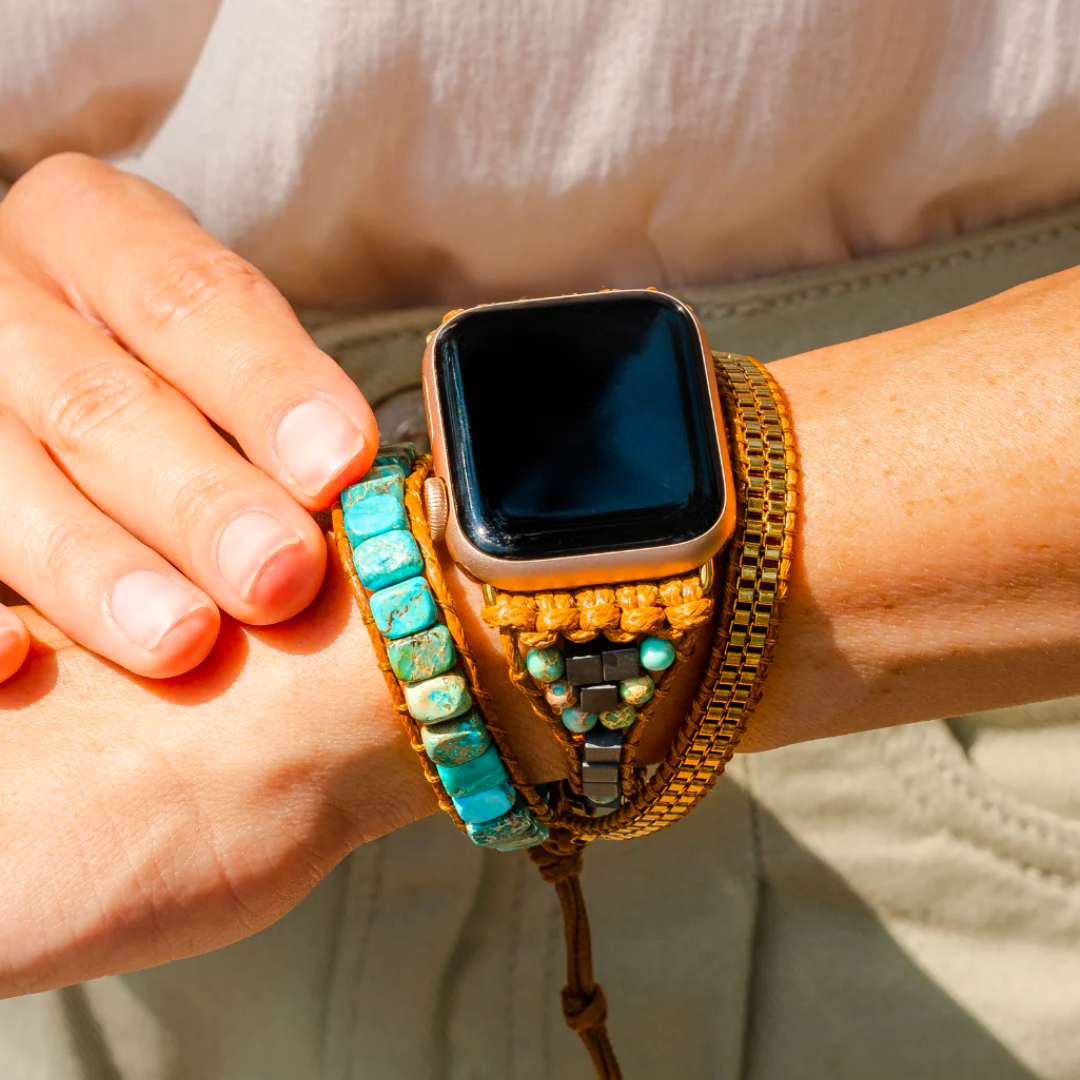
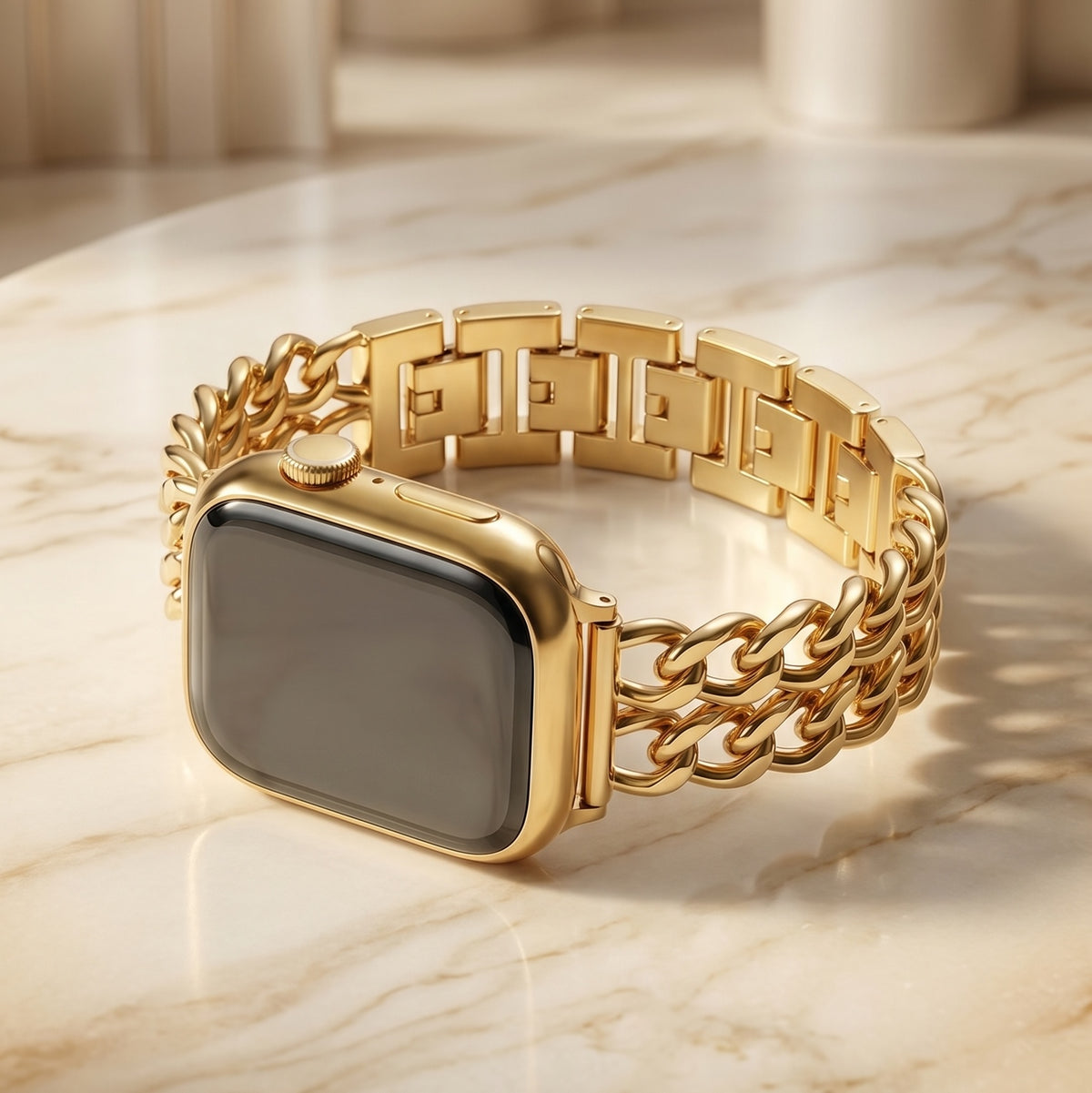
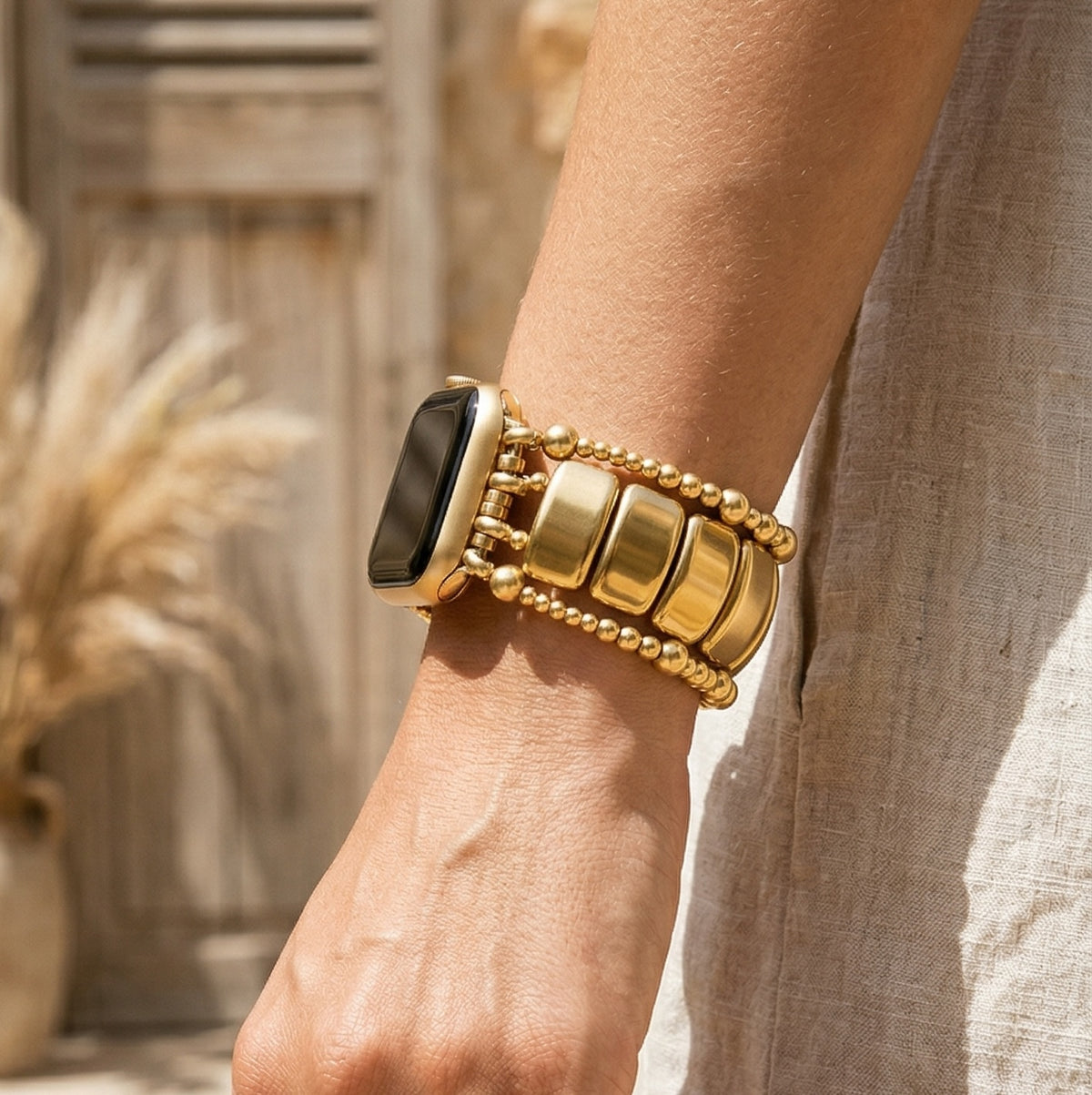
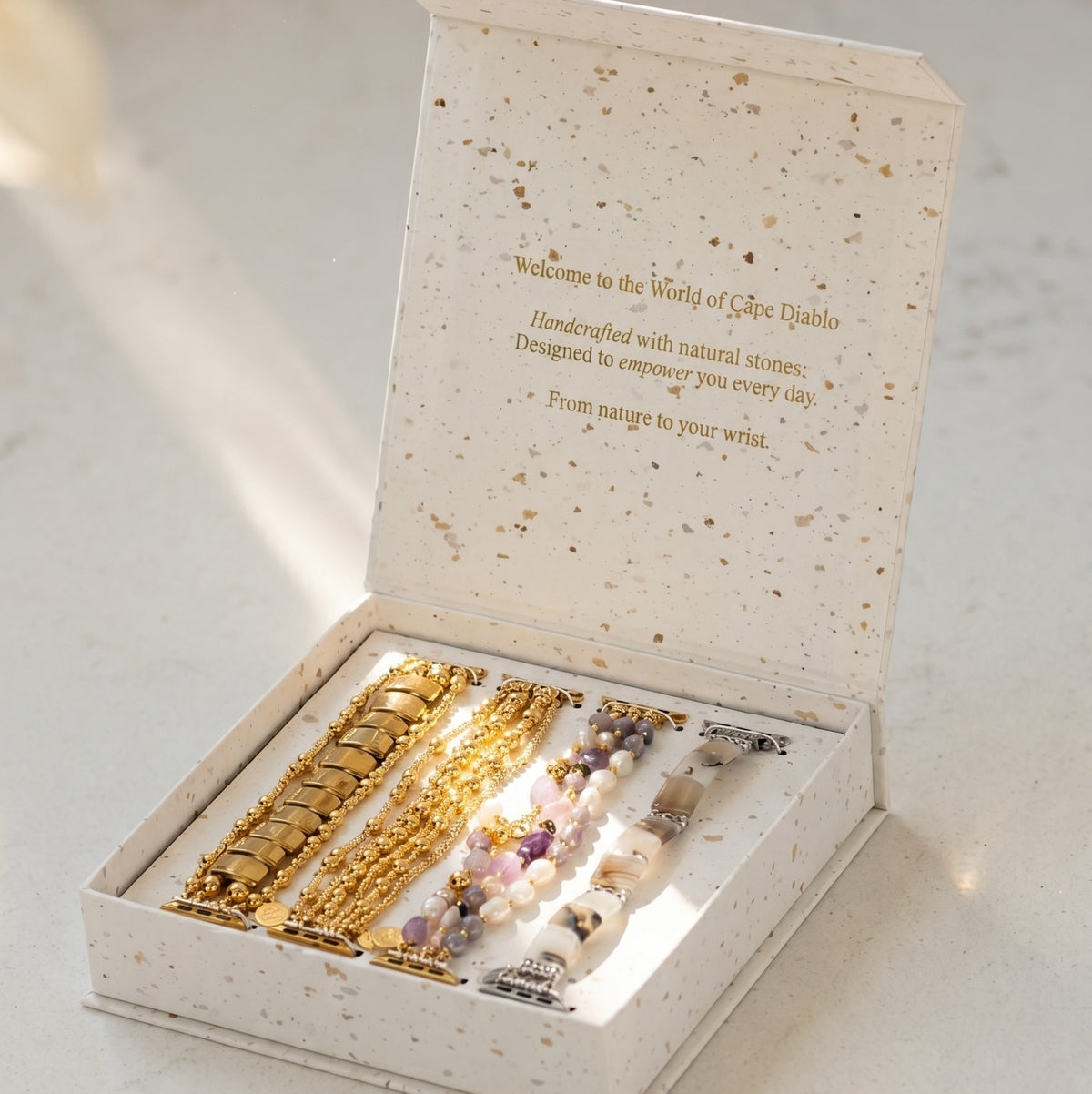
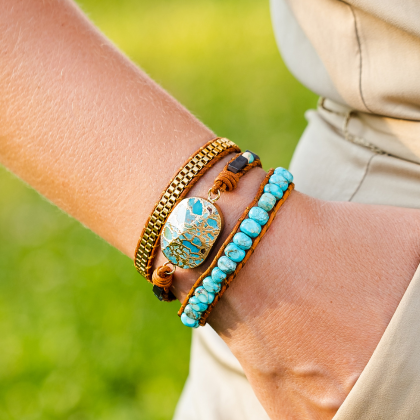
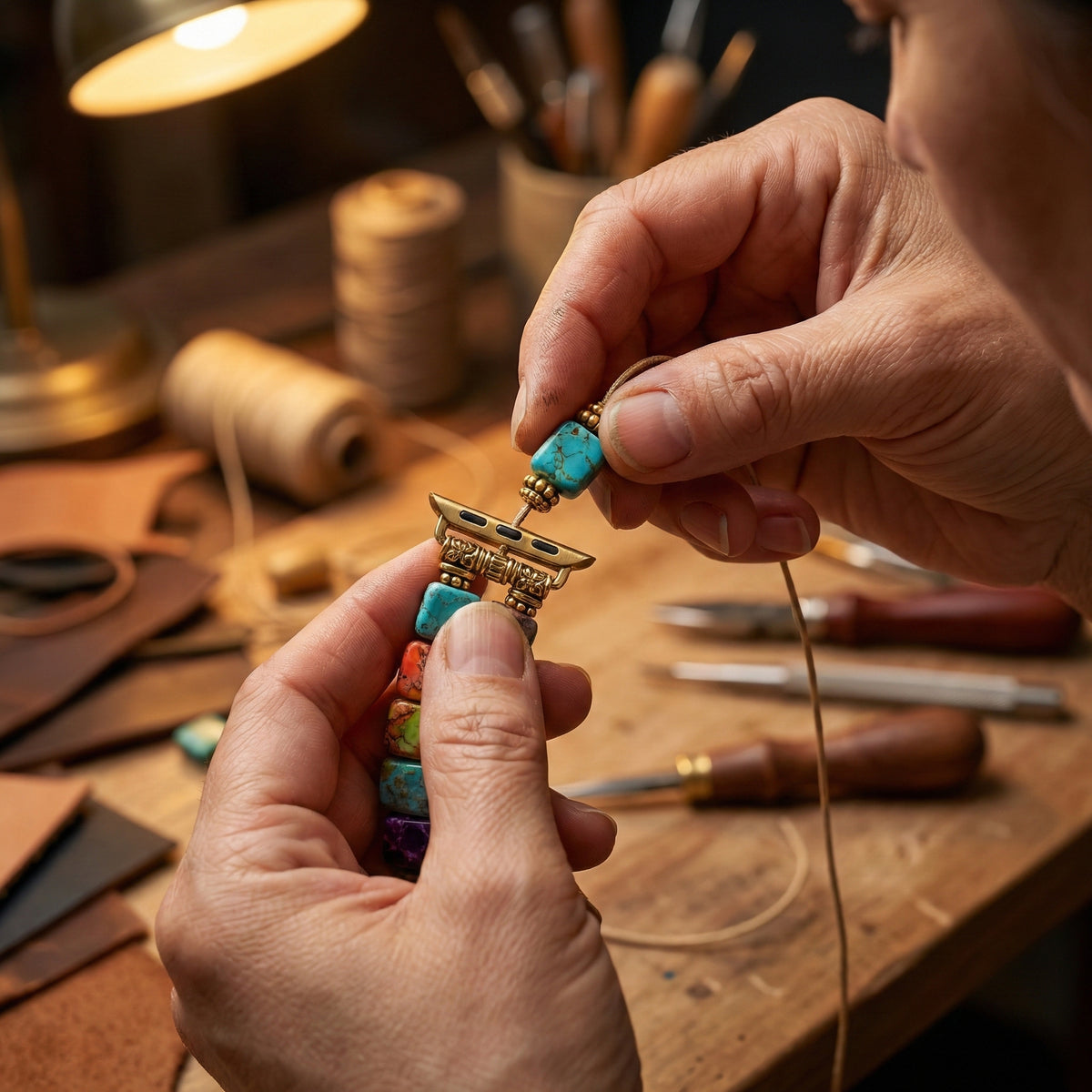
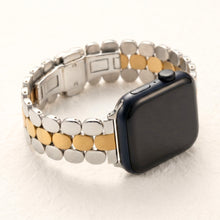
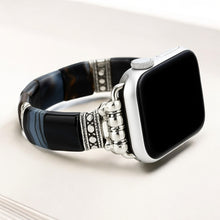
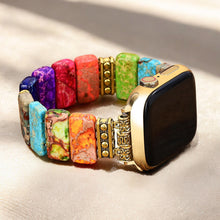
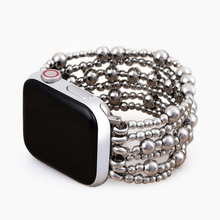
Your new wallpaper looks even better with a handcrafted Cape Diablo Apple Watch Strap.
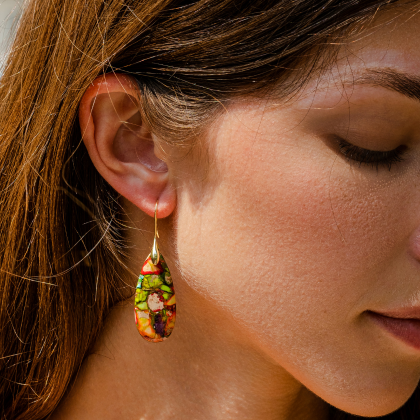
Explore our collection of genuine leather, beaded, and boho-inspired bands designed to elevate your everyday style.